
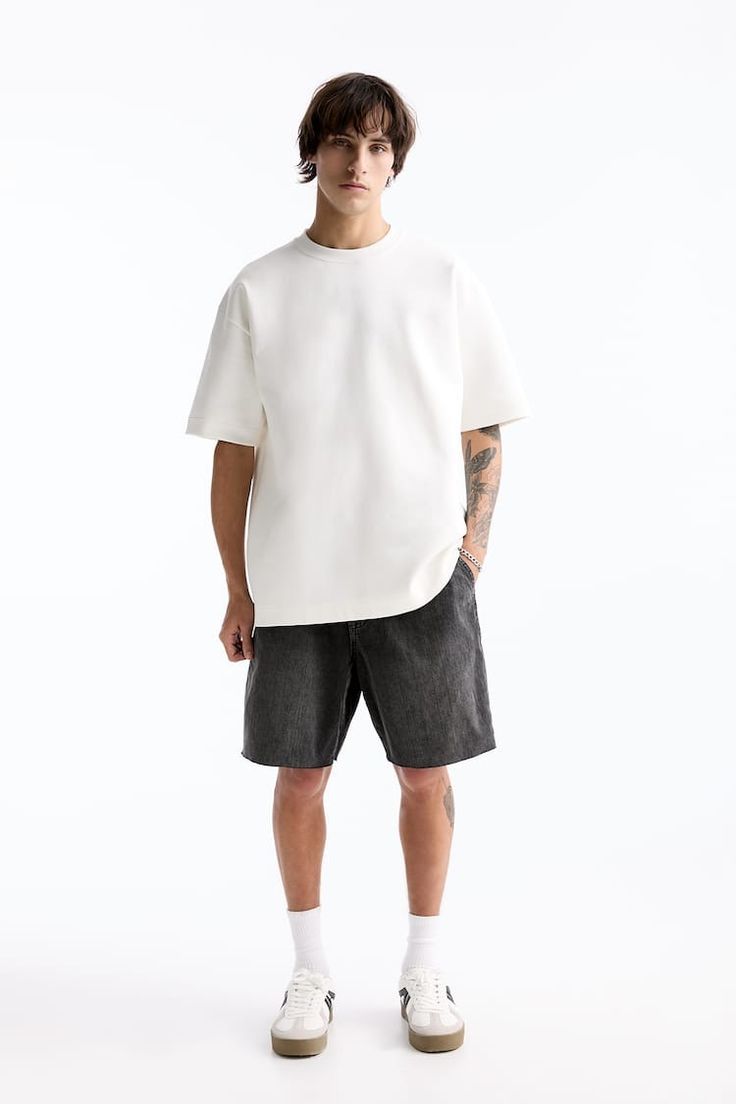
Upload a model and several product photos. Manita dresses the same person while preserving identity, proportions, garment details, shoes, and your preferred pose.
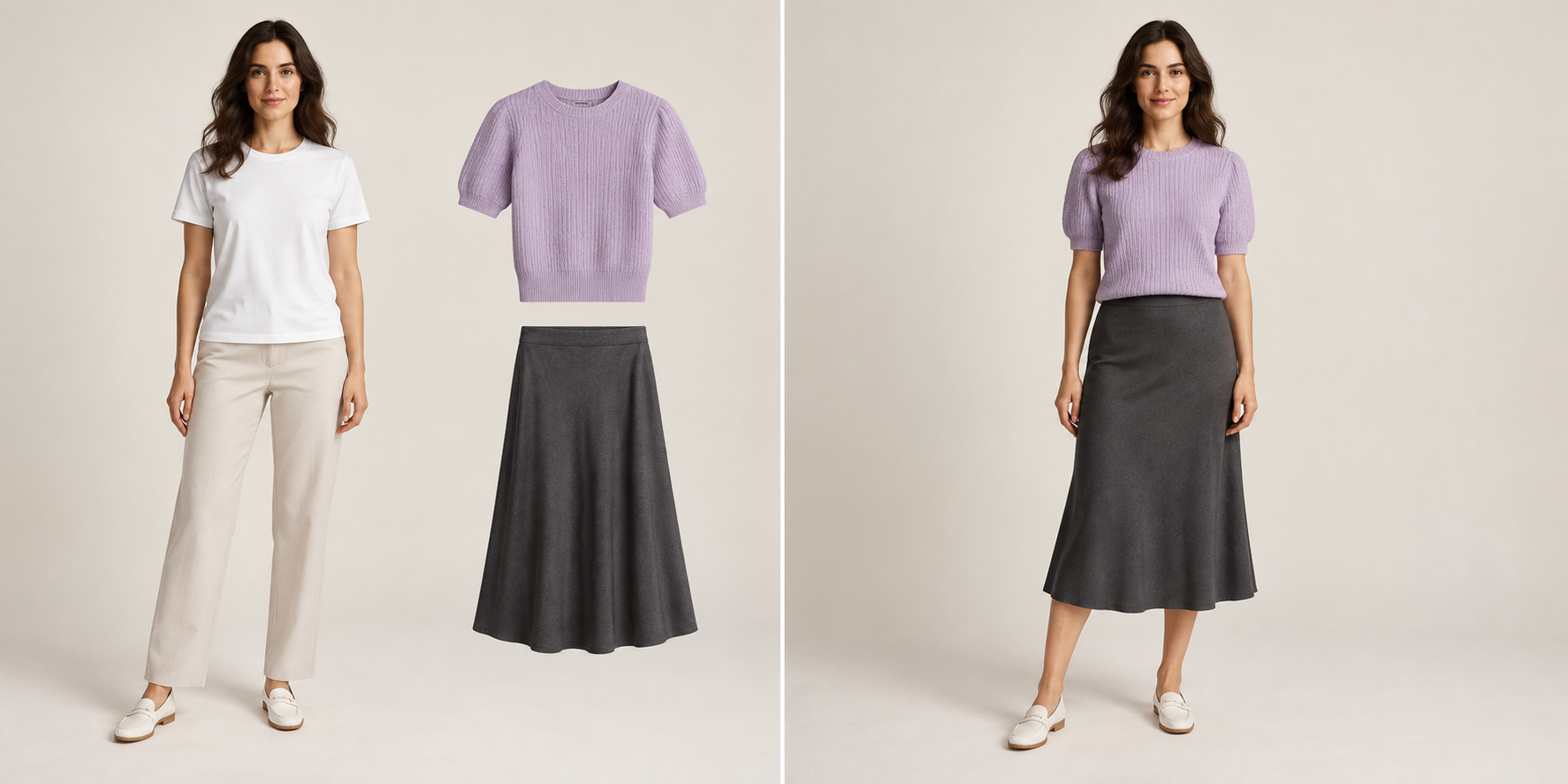 Model and productsStyled result
Hi there! I'm Manita, your friendly AI assistant. I make your product photos shine and stay consistent. Speak to me in any language!
I turn everyday images into polished content while protecting the details that make each product real. From one resale item to a full brand catalog, every result stays clear, consistent, and ready to sell. You stay in control. I make the work faster.
Upload a model and several product photos. Manita dresses the same person while preserving identity, proportions, garment details, shoes, and your preferred pose.
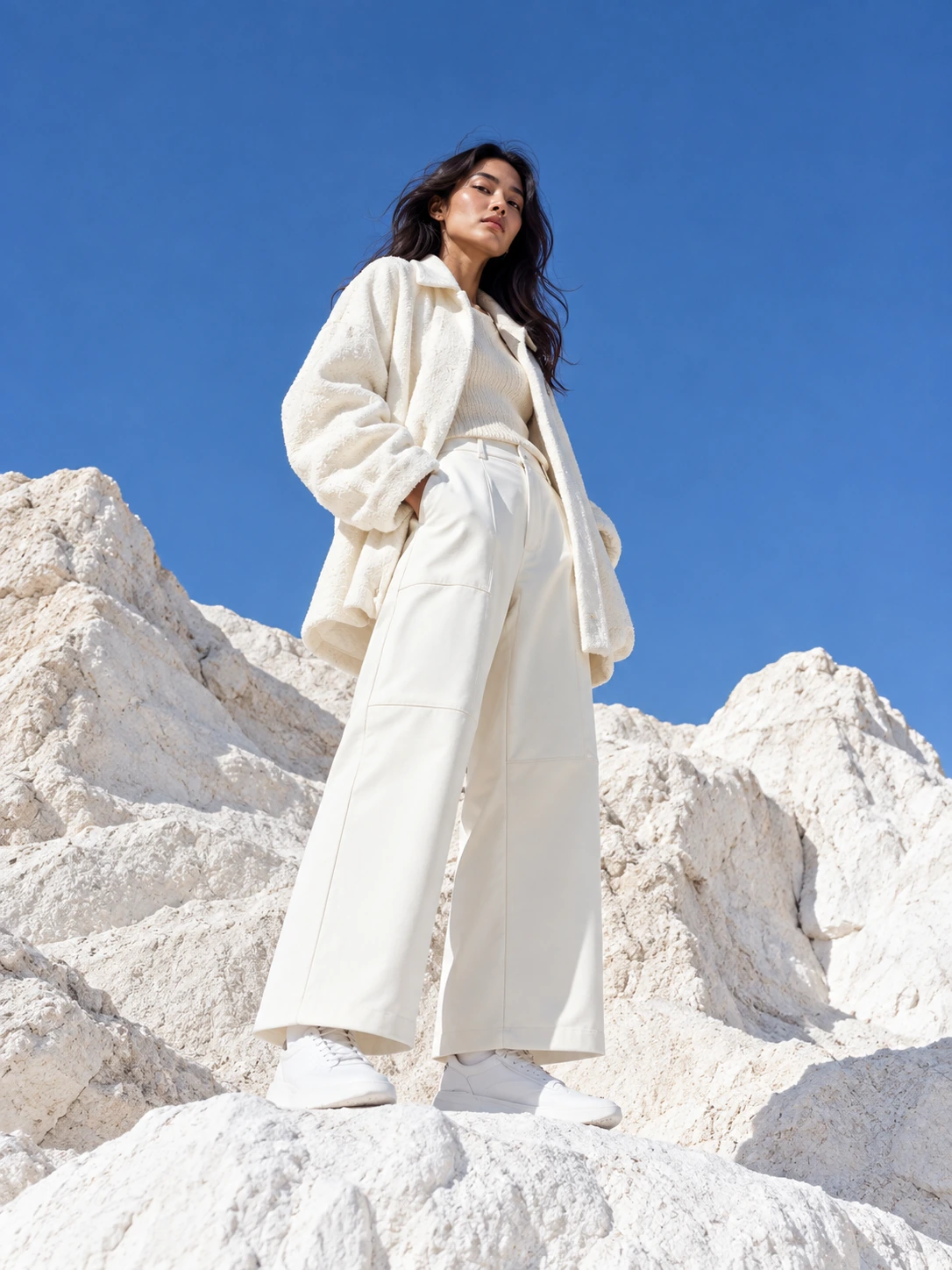
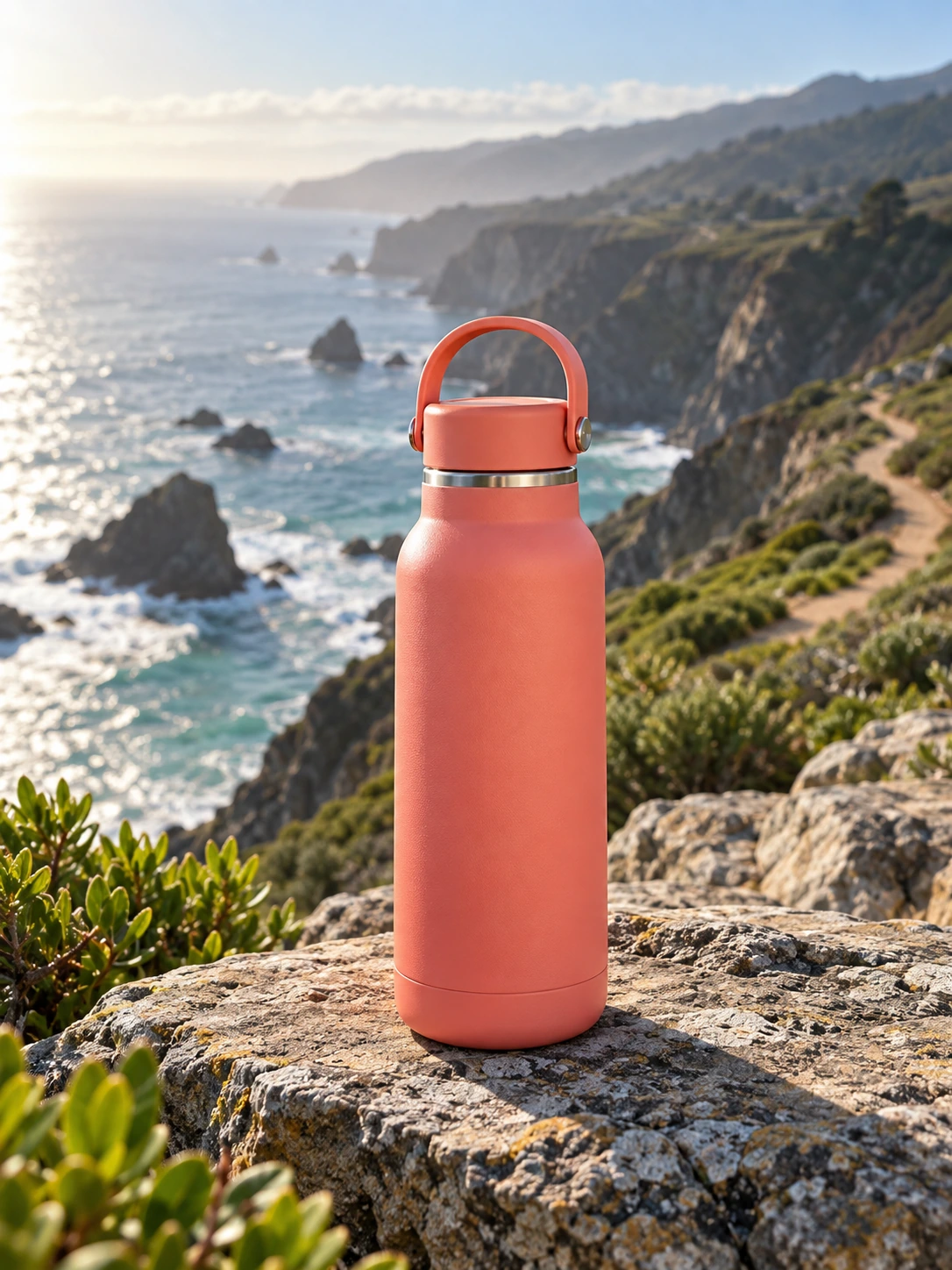
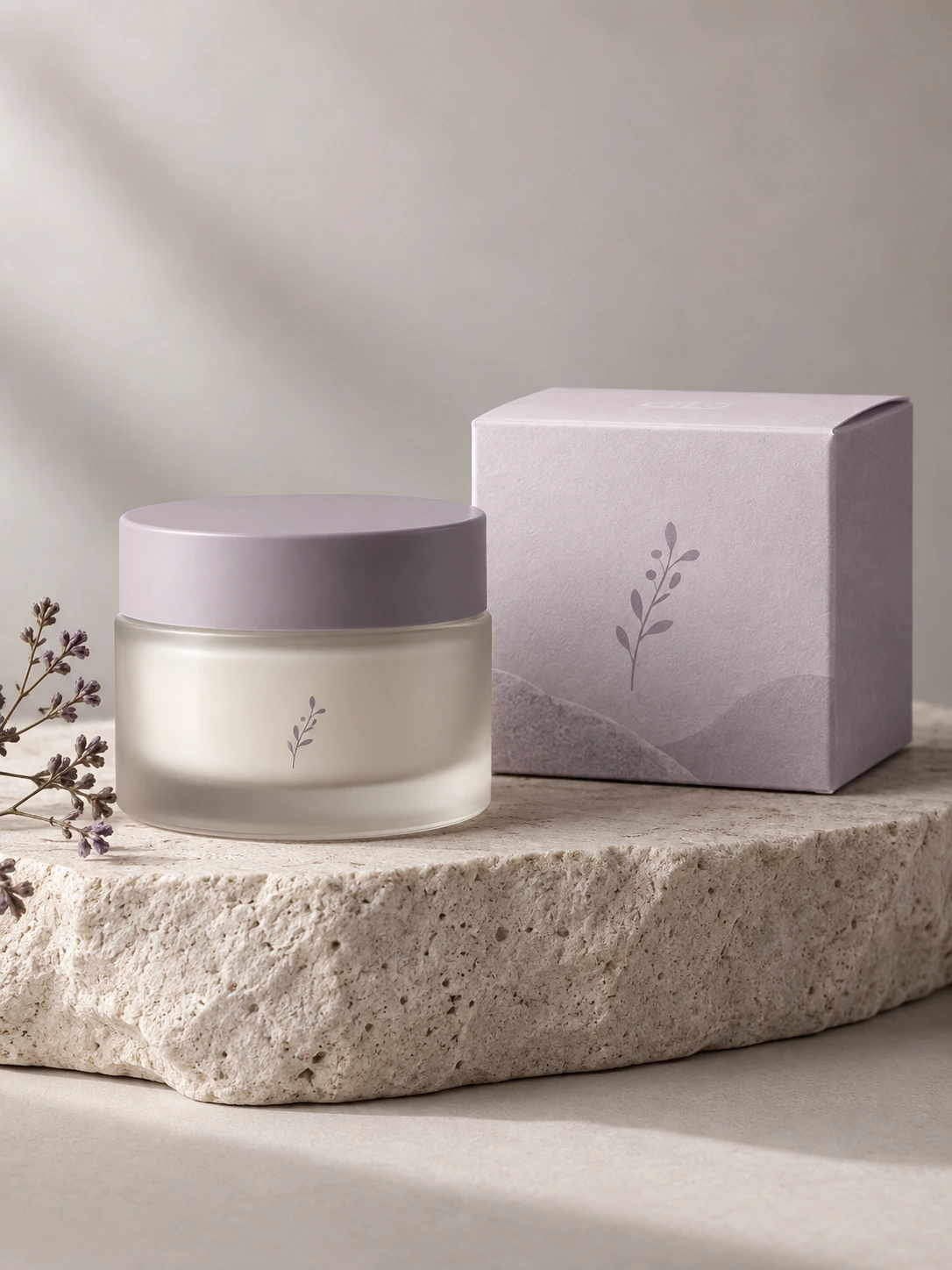
Model and productsStyled resultBuild one visual direction and create a polished set of product images that feels like the same brand campaign, not separate random generations.
Upload product photos, choose a saved model if needed, and add brand notes: mood, background, lighting, colors, and what must stay accurate.
Best for small drops, capsules, product sets, or a campaign batch. Each finished result is shown before you save it.
Brand Shoot is priced higher because it preserves consistency across the set and uses more creative direction per image.
Use Brand Shoot when you already know the brand feeling and want a cohesive collection: same lighting logic, same background family, same level of polish.
Try nowPaste product links instead of uploading every product manually. Manita reads the items, keeps the product details clear, and turns them into styled looks.
Add product URLs and optional styling notes. Good links include clear images, colors, material, and product names.
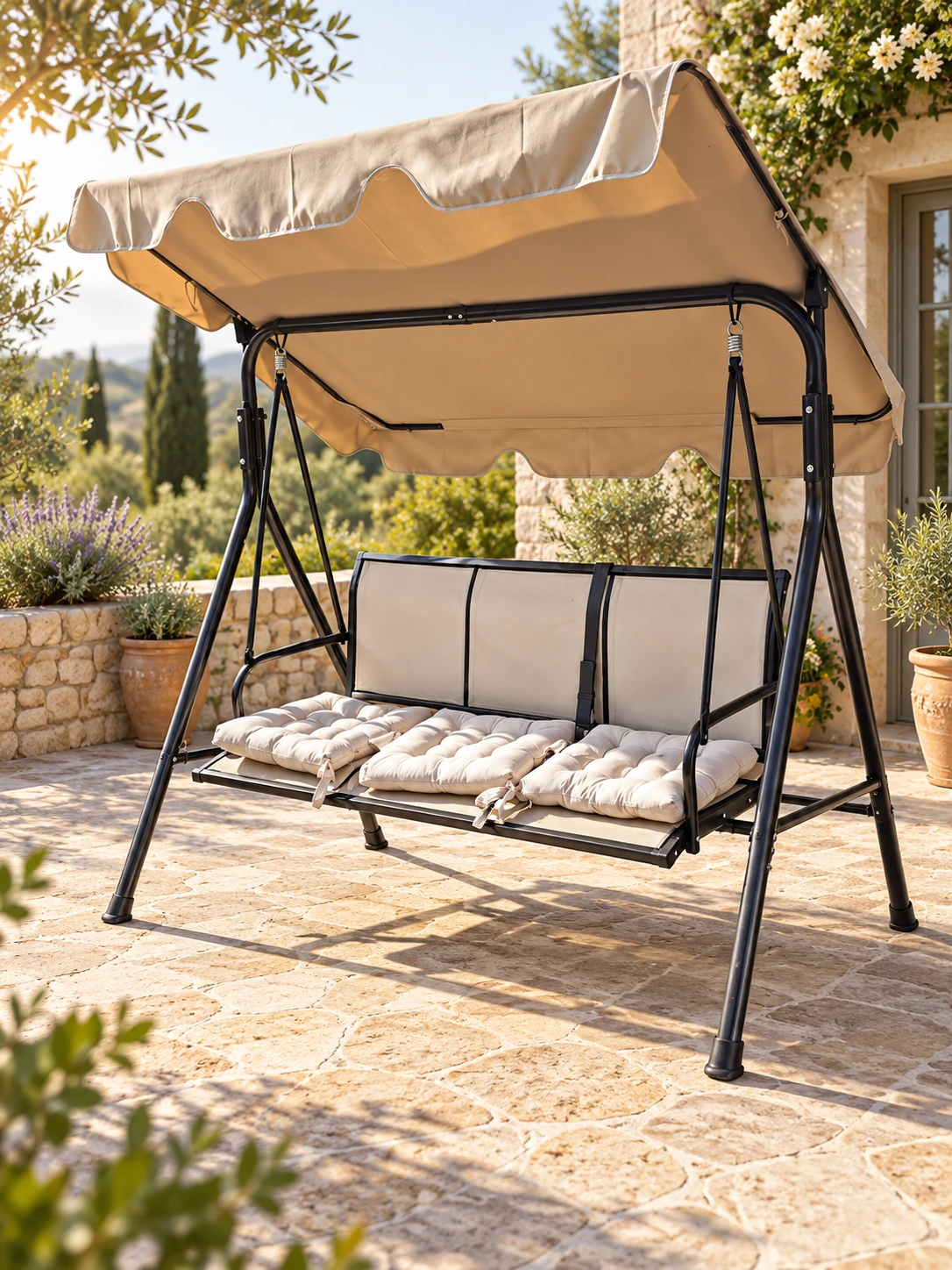
Use one complete outfit or a focused product set at a time. For best quality, avoid mixing too many tiny accessories in one look.
Link Shoot costs more because Manita imports product details first, then creates the photoshoot from those linked items.
Use Link Shoot when speed matters: product links in, styled photoshoot out. If a product link is weak or missing details, you can add a short note before generation.
Try nowUpload up to 50 photos in one batch. Choose the format and background, add style references, and keep every finished image saved even if one item needs a retry.
Use product photos from a phone, warehouse, or studio.
Keep format, background, and references consistent across the batch.
Manita shows the exact cost before generation.
Upload up to 50 photos in one consistent style. Manita can preserve garment details, use an invisible mannequin, write the listing, and suggest a realistic resale price.
Give one item several angles or process a larger resale batch.
Keep generated results even when one photo needs a retry.
Exact point cost appears before you start.
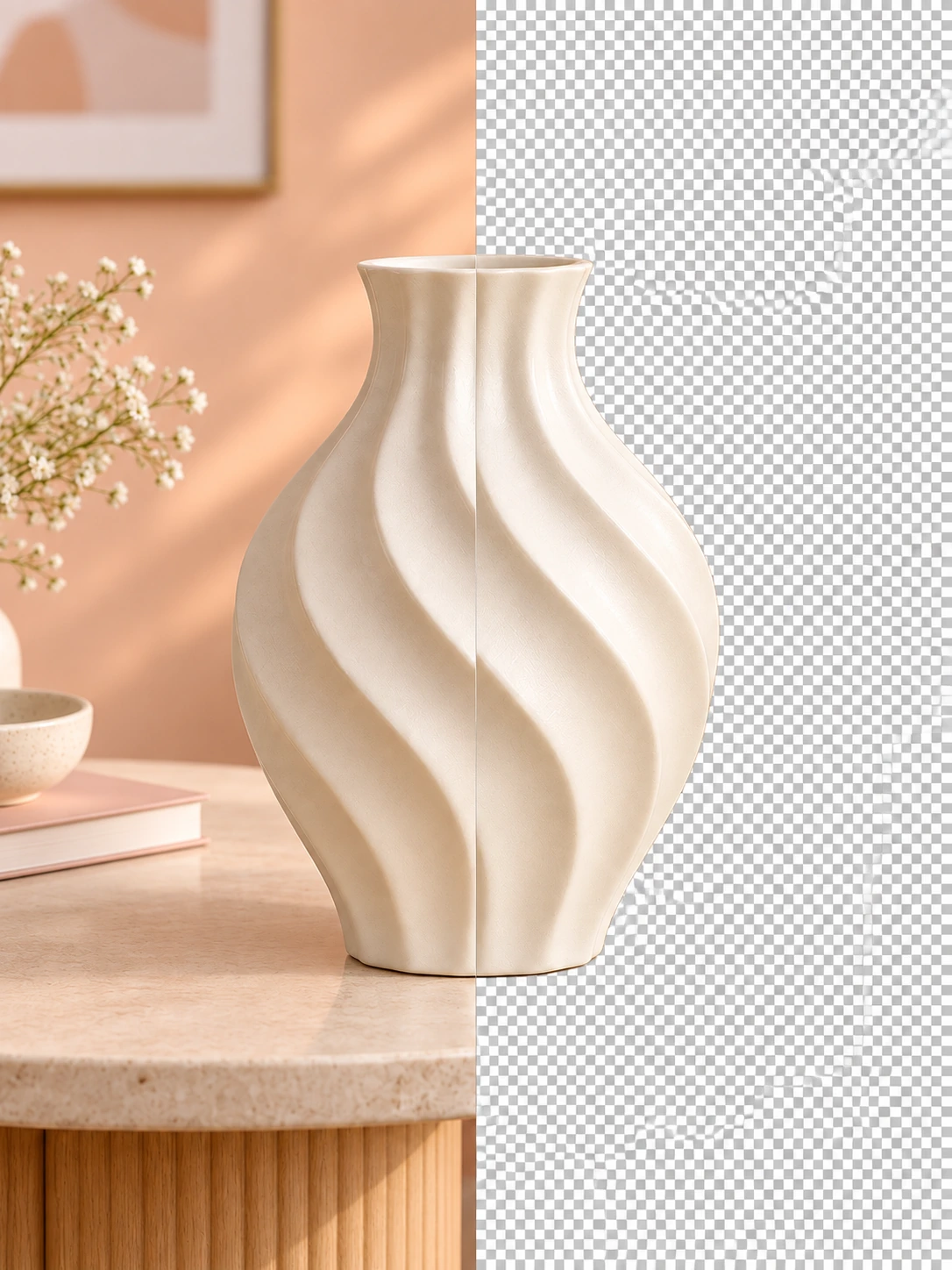
Remove a busy background while preserving clean edges and small product details. Process one image at a time for the most reliable cutout and export on transparent, white, gray, or dark gray.
Drop a photo or choose it from your device.
Download the finished cutout after the quality check.
Charged from your points balance when processing starts.
Composite reactions based on common feedback during early testing. No paid endorsements.
“I uploaded a wrinkled hoodie and finally got a photo I would actually post. 😍”
“THIS SAVED ME AN ENTIRE AFTERNOON.”
“The result finally looks consistent with the rest of my shop.”
“Honestly, I expected it to look AI. It did not.”
“My product looked expensive without changing what it actually is ✨”
“I just spoke into my phone, added the photos, and Manita understood what I meant. I did not have to learn a complicated editor or write the perfect prompt.”
“Clean background. Sharp details. Done.”
“SEEING THE FULL OUTFIT FIRST WAS SO USEFUL 👀”
“I run a small shop and do not have time for a full photo shoot every week. Manita gives me polished images while every product still looks real.”
“From camera roll to ready to sell. Love it.”
Coming soon
Subscribe for early access to new Manita tools and product updates.
Add one product photo. Manita improves it, creates new angles, and turns the set into a complete promotional video.
Generate images, captions, hashtags, and persuasive copy for every platform in the style and tone you choose.
Explore current, polished layouts to use for your brand. Find inspiration and make each template your own.
Buy points once and use them across every Manita service. No subscription. The number of ready images depends on what you create.
Try the workflow, remove backgrounds, or create approximately 1 to 3 ready images with lighter tools.
Start small Quick start$202,200 pointsIncludes $2 in bonus points. Good for testing several services: roughly 3 to 14 ready images depending on the mix.
Choose $20 Regular creators$10011,000 pointsIncludes $10 in bonus points for regular content creation: roughly 15 to 70 ready images.
Choose $100 Best value$50055,000 pointsIncludes $50 in bonus points for stores and teams creating at scale.
Choose $500Approximate costs: Model Try-On 300 points, Brand Shoot 500 points, Link Shoot 700 points per look, Product Photos from 150 points, Resale from 150 points, Background Remover 20 points. Manita shows the cost before paid edits or new results.
Everything you need to know before making your first product image with Manita.
You can create model try-ons, brand photoshoots, photoshoots from product links, polished product photos, resale makeovers, product descriptions, and clean background removals.
Choose one of the six tools above, sign in, then add a photo from your device, a product link, or a connected Shopify catalog where available. Choose the style and settings, review the point cost, and start. Your finished result appears in My Account → Generation history, where you can open and download it.
Yes. Every new account receives 2,000 points once, with no card required. The points never expire.
Points are your Manita balance. Different services use different amounts because importing links, preserving models, building full looks, and making brand sets have different AI costs.
It depends on the service. A $20 pack can make a few higher-cost Link Shoot or Brand Shoot results, or more lightweight Product Photos, Resale images, and background removals.
Each successfully generated image includes two free correction attempts. After those two corrections, Manita shows the point cost before creating another edited result.
Brand Shoot is for a campaign-style set: several products or looks with the same visual direction, consistent lighting, and a more unified brand feeling.
Link Shoot is for speed. Paste product links, add optional styling notes, and Manita turns linked items into styled photoshoot results without manual product uploading.
Choose the same format, background, lighting, and style reference for your collection. Manita uses those choices to keep the visual direction connected.
Yes. Upload clear photos of your model and the products you want to style. You can preserve the face, pose, scene, and important garment details.
Yes. You can speak or type your instructions in any language. Manita will understand what you want to create or change.
No. Background Remover uses the same point balance as the rest of Manita, so you do not need to buy a separate pack just for removals.
Sign in to Manita, open My Account → Shopify, and choose Connect store. Enter your store’s Shopify address and approve the requested access in Shopify. You can disconnect that store from the same account section before connecting a different one.
Open a creation tool and choose a connected Shopify product instead of uploading from your device. Search by product name or SKU, select the items you need, check their photos and details, then start the generation. The available number of products depends on the tool.
Open the completed result in My Account → Generation history. Review or edit it, choose whether to send the image, the product text, or both, and confirm the destination product. Publishing requires a connected store with product-editing permission; Manita will not replace your store content without your confirmation.
Add a model and several garments. Manita keeps the identity and dresses the model in the complete look.
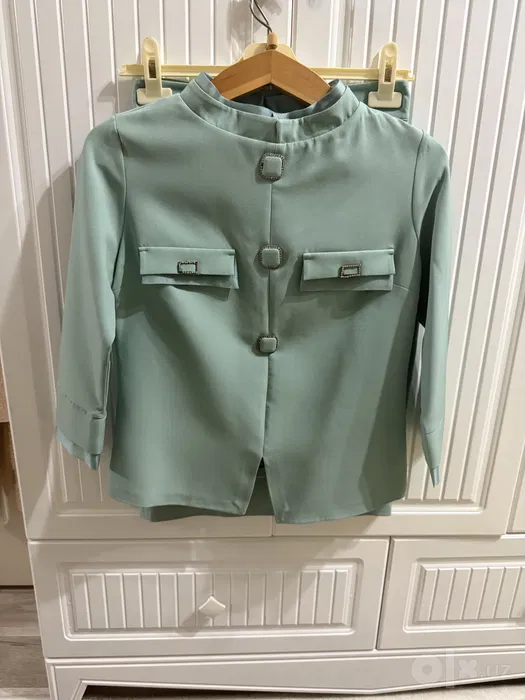
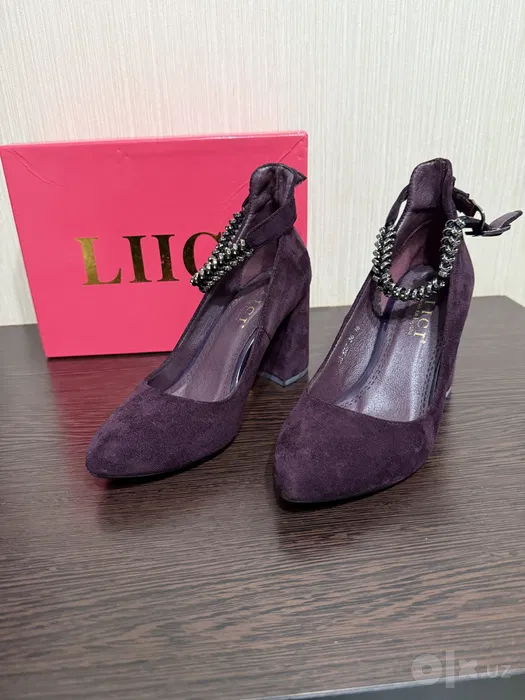
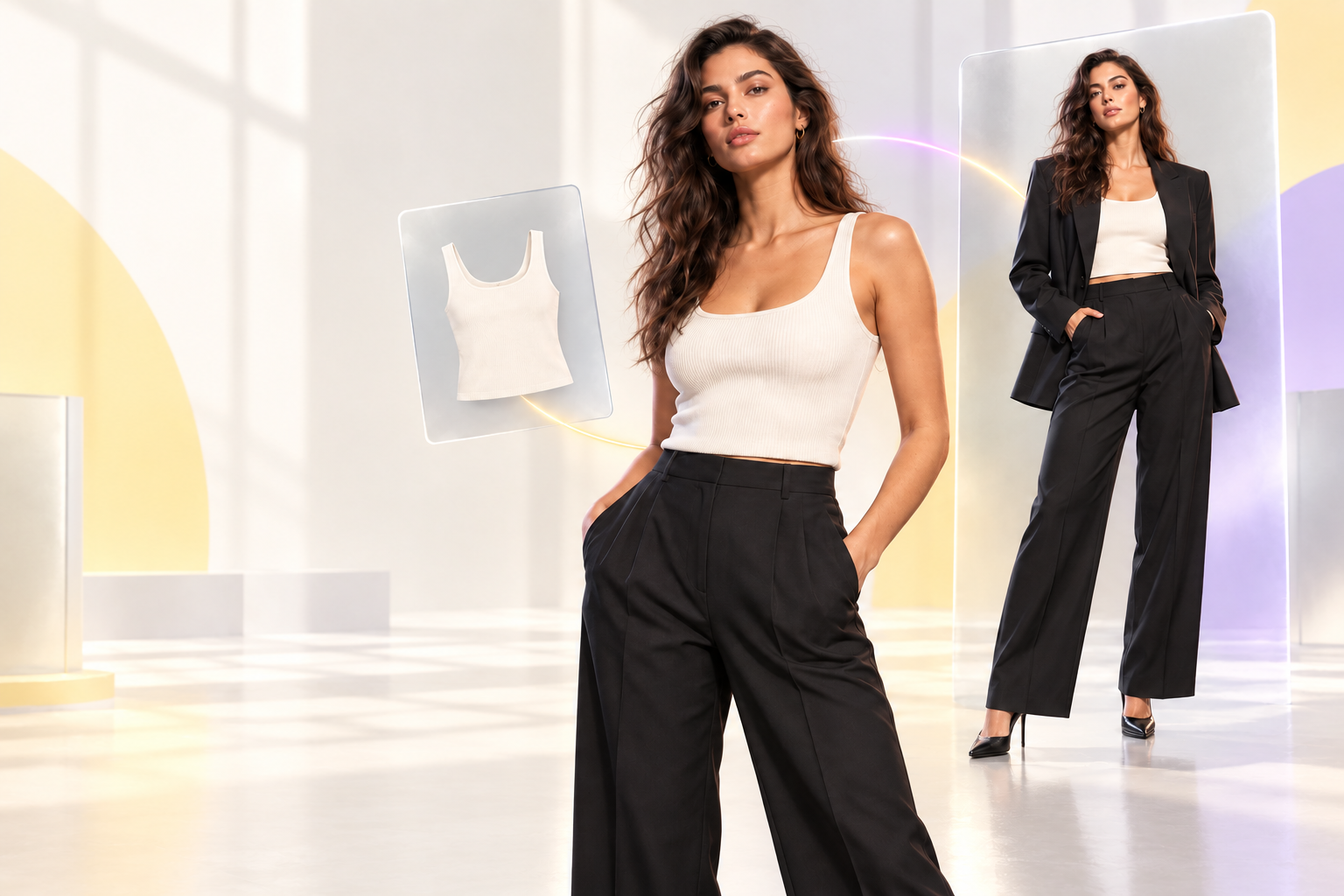
Create consistent studio or lifestyle product images with optional infographics. No price recommendation.
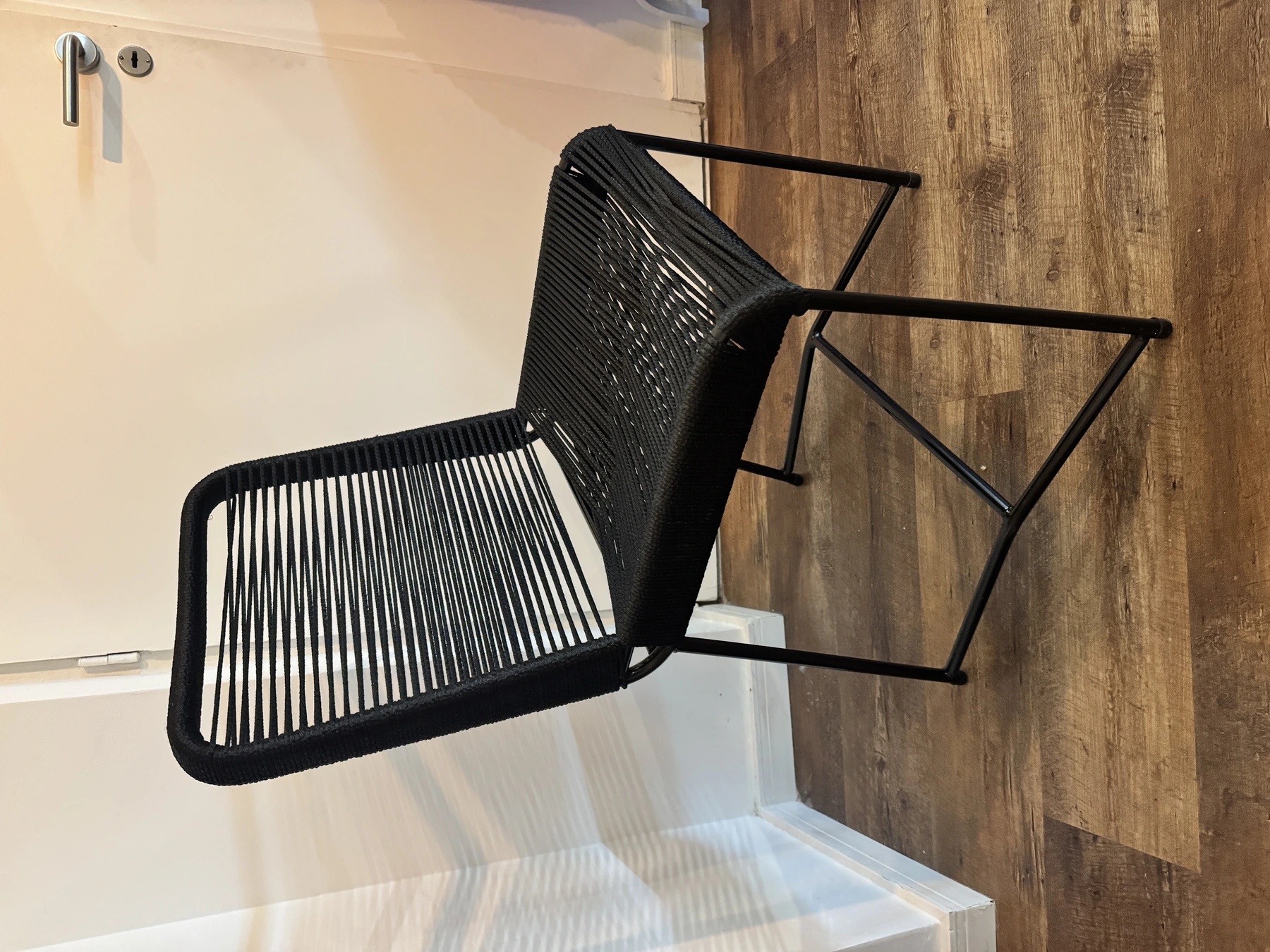
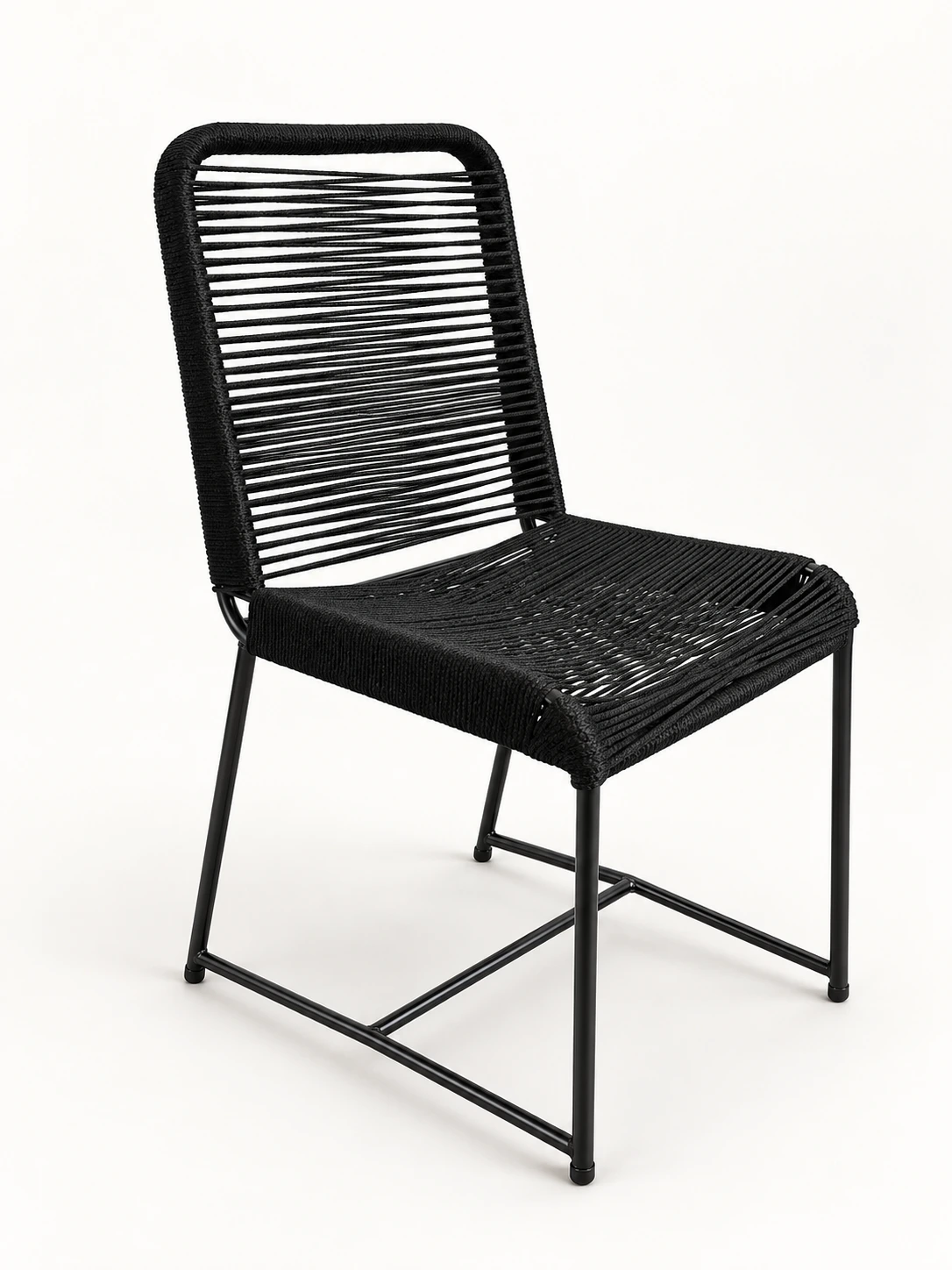
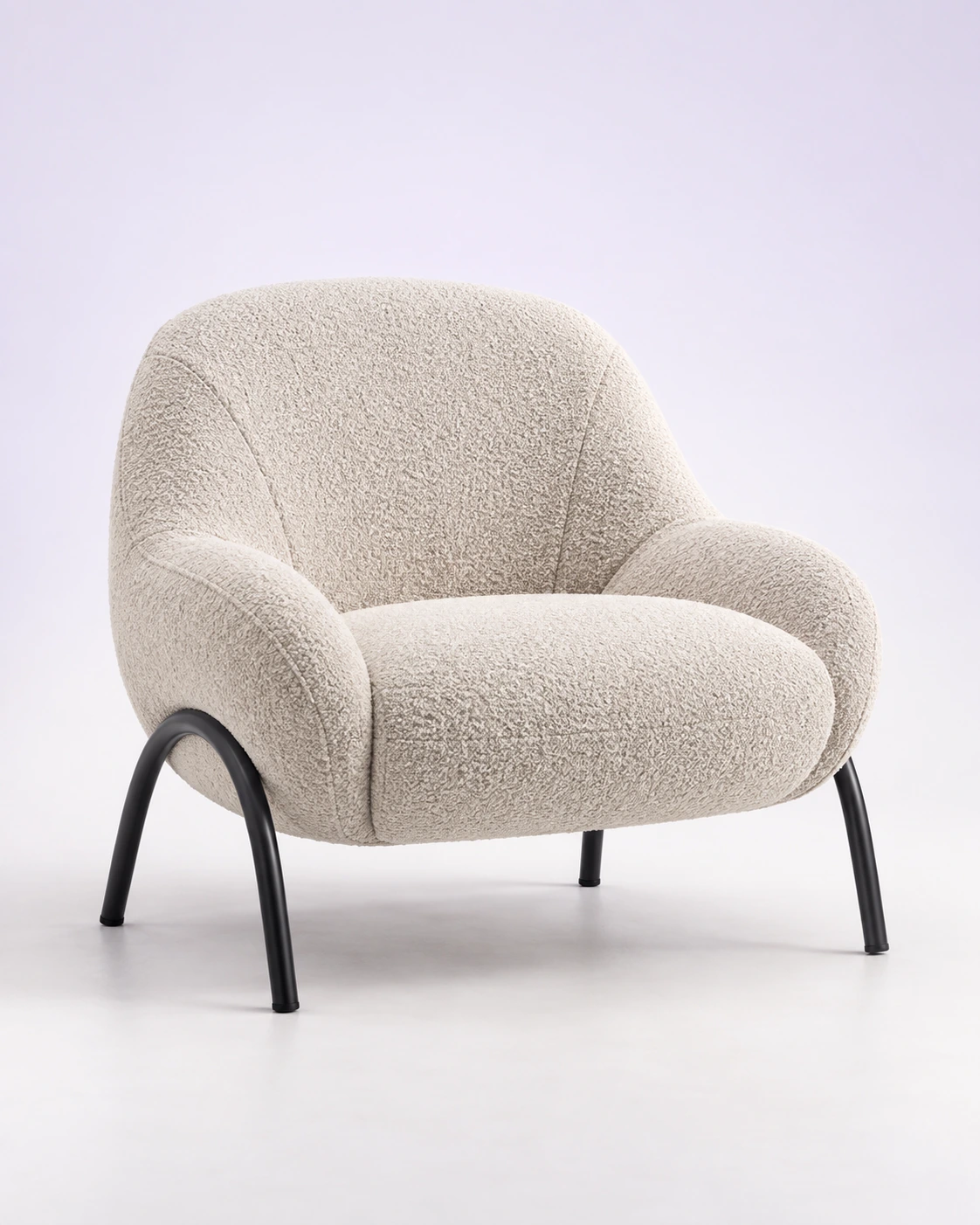
Improve the photo, write the description, and get a realistic local resale price. No product infographics.
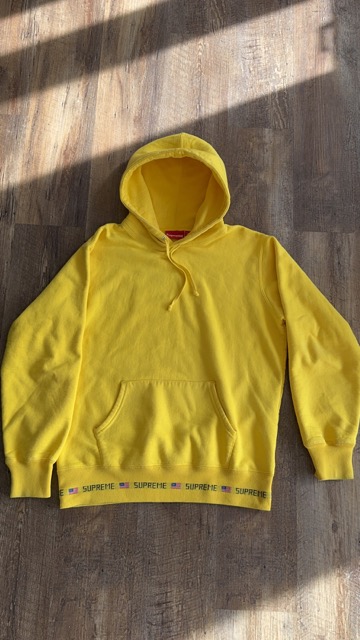
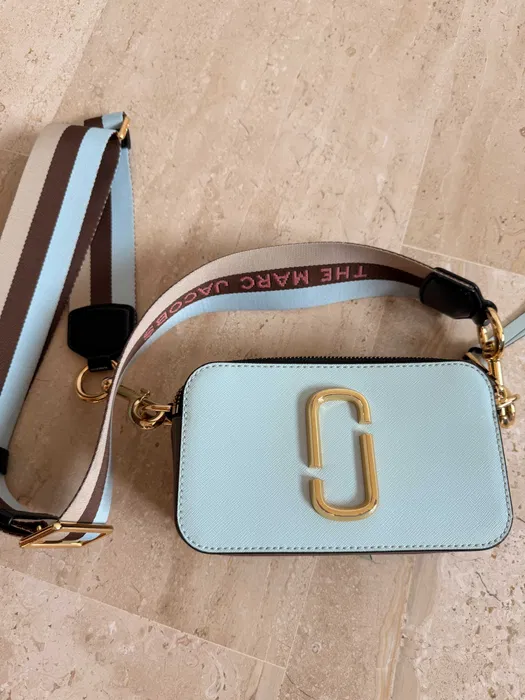
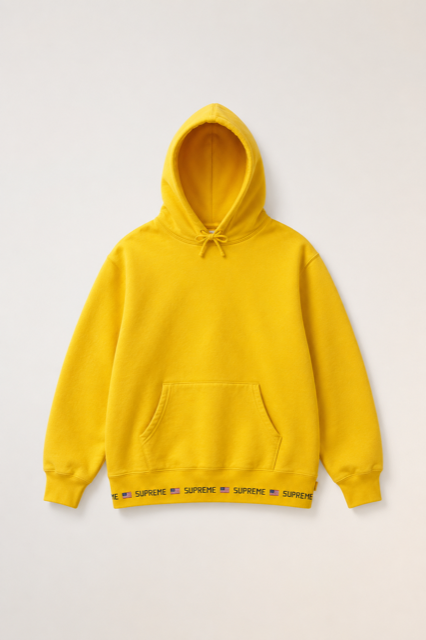
Remove the original background and export the product on transparent, white, gray, or dark gray.
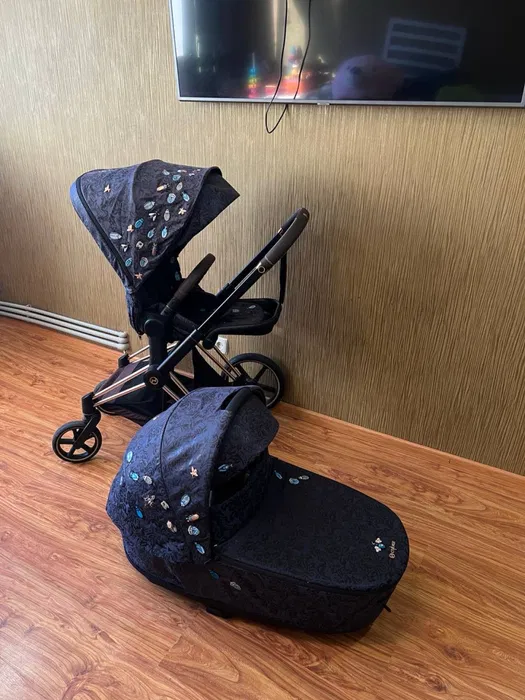
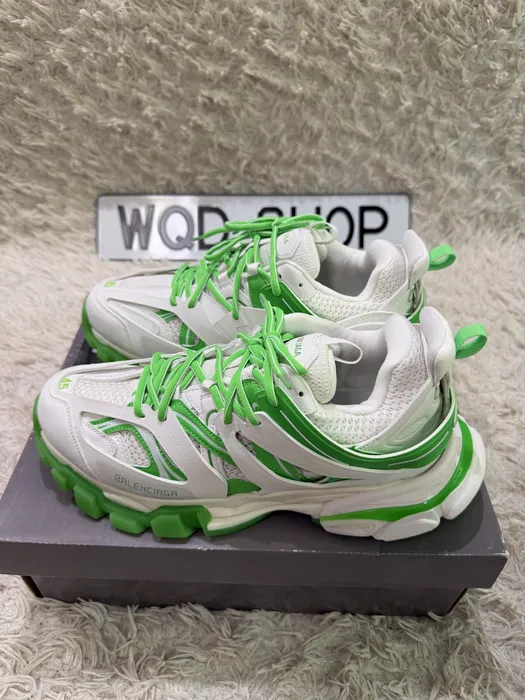
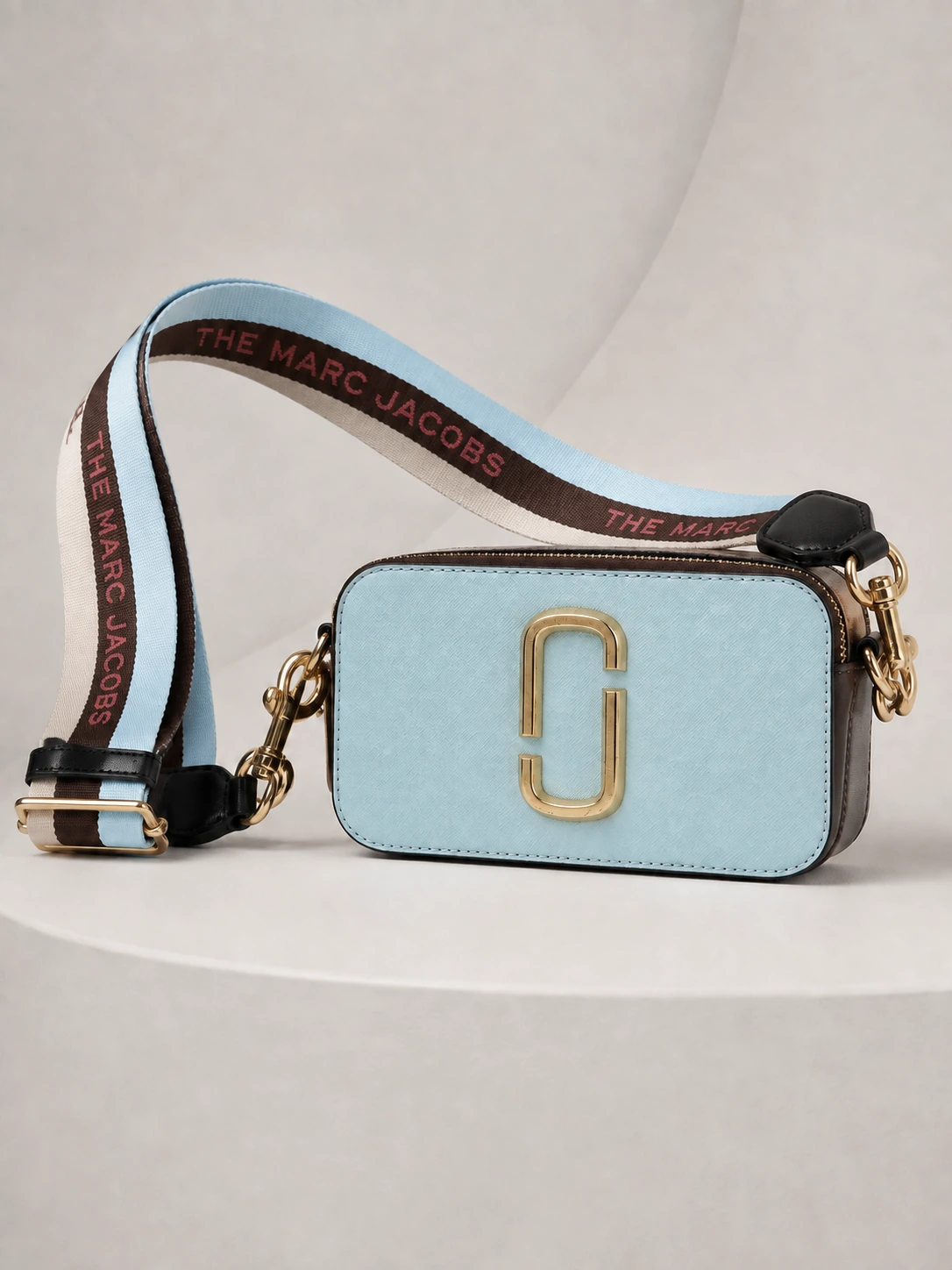
Send me your questions, ideas, partnership requests, or honest feedback. It is all welcome.
Share feedback and get 2,000 points — once per account.
Write or speak in any language. I will understand.If Manita saved you time or helped your product shine, you can send a little compliment. Choose any amount. It helps me keep learning, improving, and creating new tools for you.
Send a complimentChoose any amount. No pressure. I am already happy you stopped by.